Messaging ticket buyers
You can send email messages to buyers and attendees to share last-minute changes, make sure everyone has a ticket in their inbox, or send seminar slides as a follow-up.
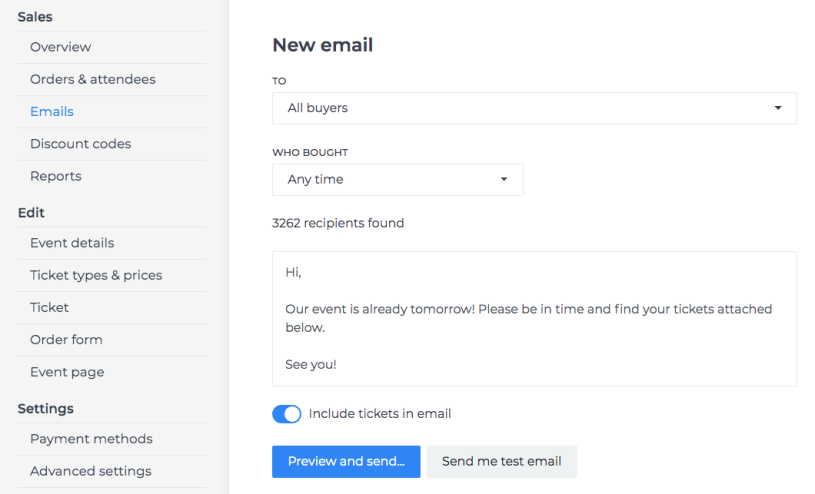
You can select different target audiences:
All ticket owners - This includes all buyers who have received their tickets. If you use a ticket/attendee-based email question in the order form, the message will be sent to the ticket owner instead of the buyer.
Ticket owners whose tickets are unused - This can be useful if you have a multi-day event and would like to send a reminder to those who have not yet attended. This only works if you use our mobile app to validate tickets.
Ticket owners whose tickets are used - Useful if you want to send a follow-up to those who attended the event.
Buyers whose invoice has not been paid - Buyers with pending invoice payments.
Email addresses
Although we send emails from [email protected], in most cases replies are sent to the address you have set in the organiser's contacts on Fienta.
Unfortunately, this does not work if you use a common @gmail.com address. Gmail marks emails that use a @gmail.com reply-to address but arrive from a different domain as spam.