Adding team members
When you sign up with Fienta, two accounts are created:
An organiser account, which is used to create events.
A user account, which you use to log in.
Multiple user accounts can access the same organiser account. To manage users, go to “Settings” > “Users”:
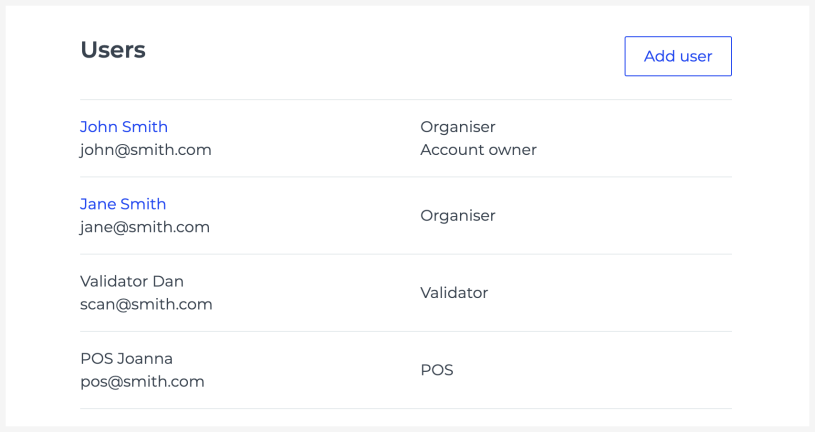
Each user can have one of the following roles:
Organiser (Account Owner) – can edit anything, access all events and reports, manage users, scan tickets, and create POS sales.
Organiser – has the same permissions as above, but cannot manage users.
Validator – can only scan tickets for published events.
POS – can make reservations, sell tickets using the POS interface, and access all of the organiser's orders.
Reseller – can issue tickets on behalf of the reseller organisation and access all of that organisation's orders.
If you need to add Validator, POS, or Reseller accounts, write to us at [email protected].