Attendance approval
Attendance approval lets you review requests to attend before a purchase or registration is completed, for example for events with a selected guest list. When a buyer selects a ticket that requires approval, you can review their request and approve or decline it. The buyer is notified of your decision by email.
Setup
First, enable attendance approval in your organiser settings:

Then, in the event where you want to receive requests:
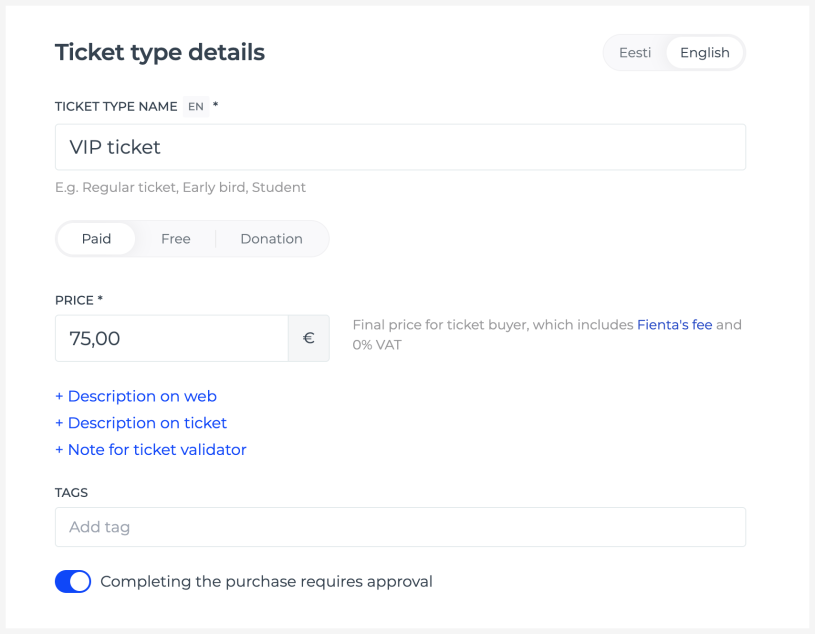
Open "Ticket types & prices" and select the ticket type that requires approval.
Enable "Completing the purchase requires approval".
Approval is set separately for each ticket type and can be used for both paid and free tickets.
Applicant information
Use the registration form to collect any additional information you need to approve a request. The answers are available on the order details page, where you can review them before approving or declining the request.
Request overview
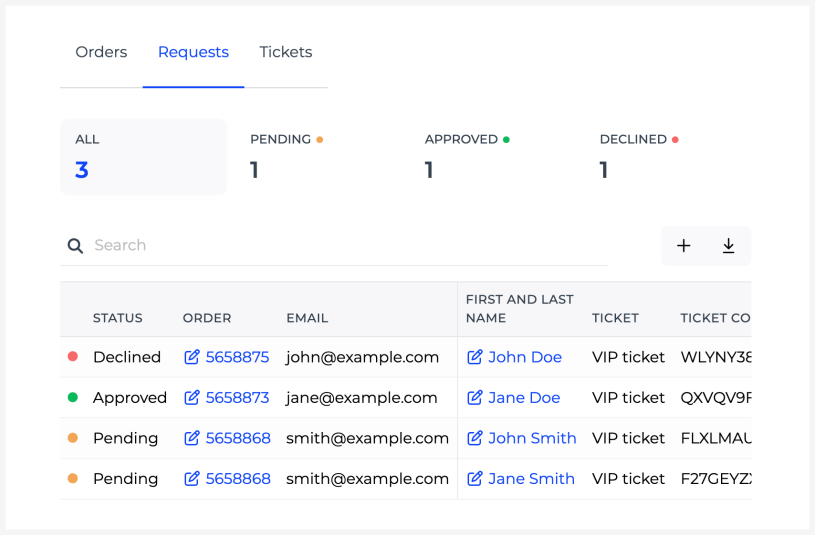
After you receive your first request, a new "Requests" tab appears on the "Orders & tickets" page. This view includes:
A list of all requests with their statuses.
Buyer and ticket information, including registration form answers.
Search, filtering and data download options.
Approving and declining requests
You can review and approve or decline a request on the corresponding order details page.
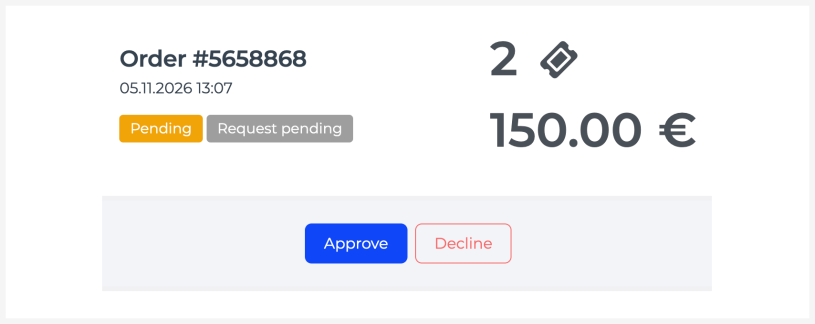
If you approve the request, the next step depends on the tickets and whether payment is required:
Free tickets: the applicant receives their tickets if no further registration steps are required.
Paid tickets: the applicant receives an approval email with a link to complete their purchase.
If the ticket assignment feature is enabled for your event, attendees may still need to fill in a registration form after approval before receiving their tickets.
If you decline the request, the applicant receives an email informing them of your decision.
Customising emails
Applicants receive an email when their request is received, approved or declined. See the article on customising emails for details on how to edit these messages.