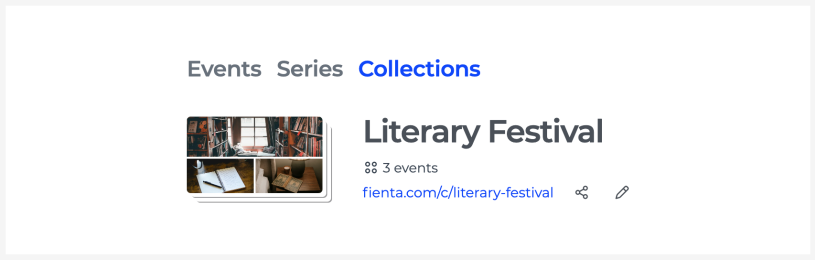
Collections
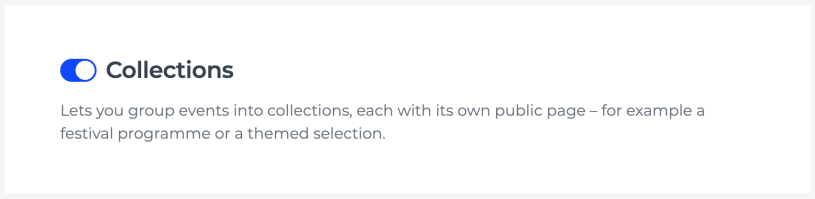
Event collections let you bring a hand-picked selection of different events together on a single public page. Use them to share a festival programme, a themed selection, events taking place at the same venue or any other curated selection. You can enable collections in your organiser settings.
If the same event takes place more than once, for example a theatre performance, movie screening or concert tour, create a separate event for each occurrence and group them into an event series.
Creating a collection
Open the list of your events and go to the "Collections" tab.
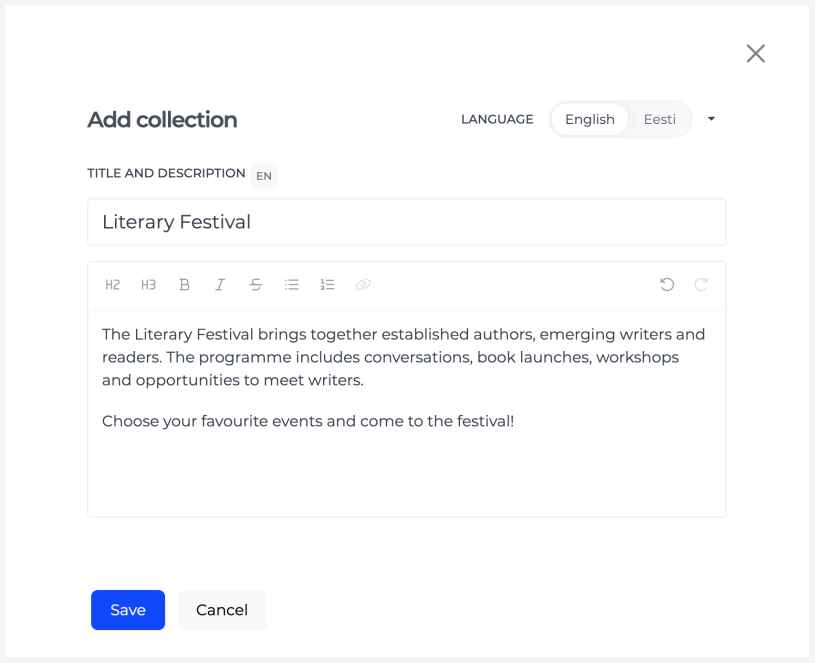
Add a collection, enter a title and description.
Adding events to a collection
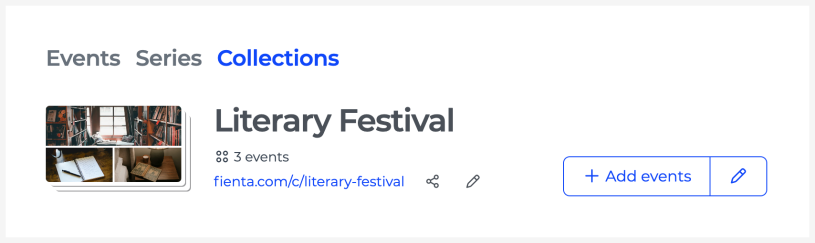
Open the collection and click "Add events".
You can select events from the list or add them using the event page URL.
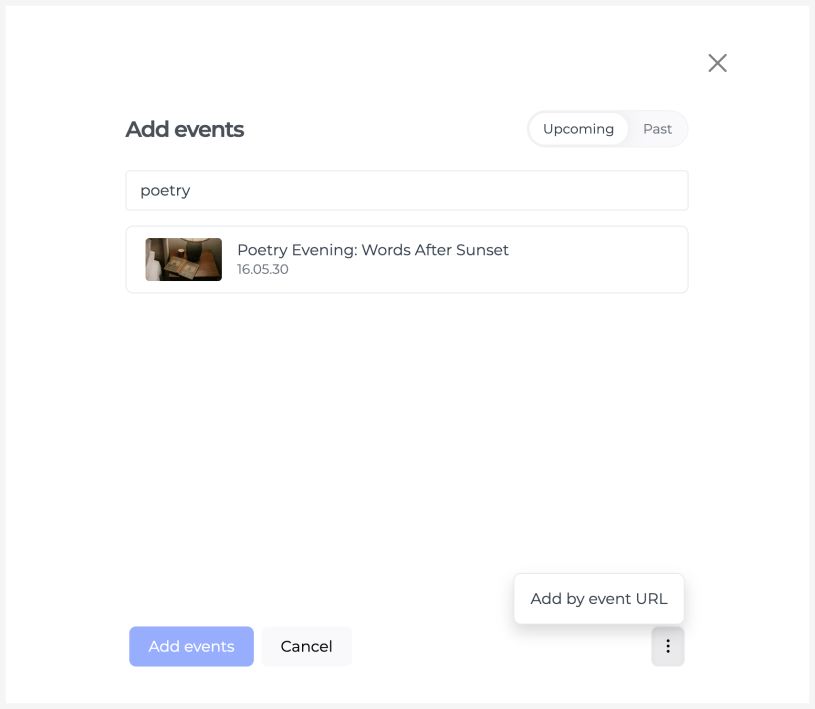
Only events published as public events are displayed on the public collection page. Drafts and private events remain visible to the organiser in the collection management view, but are not shown to ticket buyers.
Removing an event from a collection
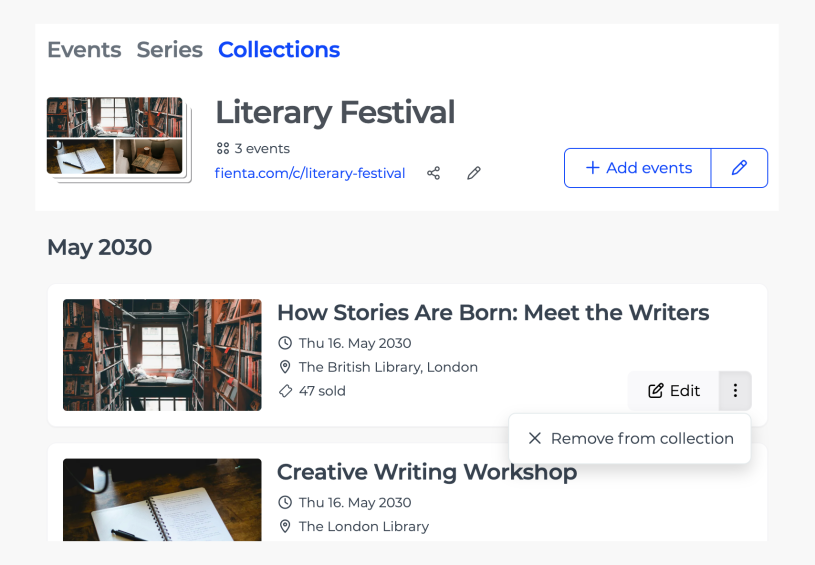
On the collection management page, find the event you’d like to remove and select "Remove from collection" from its three-dot menu. The event will remain in your account as a separate event.
Editing the collection page
To change the collection’s title or description, add languages or delete a collection, click the pencil icon next to "Add events" on the collection management page.

Sharing a collection
A collection has its own link containing the prefix “c”, for example fienta.com/c/collection-name. You can find the link at the top of the collection management page.
The sharing button also lets you create a marketing link or download a QR code.
To edit the address of the collection page, click the pencil icon next to the link. Please note that the previous link will stop working after the address is changed.